v0.8.0 · stable · written in Rust

shux:
tmux for the
agentic age.


A Rust terminal multiplexer with a JSON-RPC API and a built-in pixel snapshotter. Spawn panes. Type into them. Get back a PNG of what they look like. Keep tmux for your shell; use shux wherever another process — an agent, a CI job, a test — needs to operate the terminal.
692 tests passing macOS · Linux · arm64/amd64 MIT
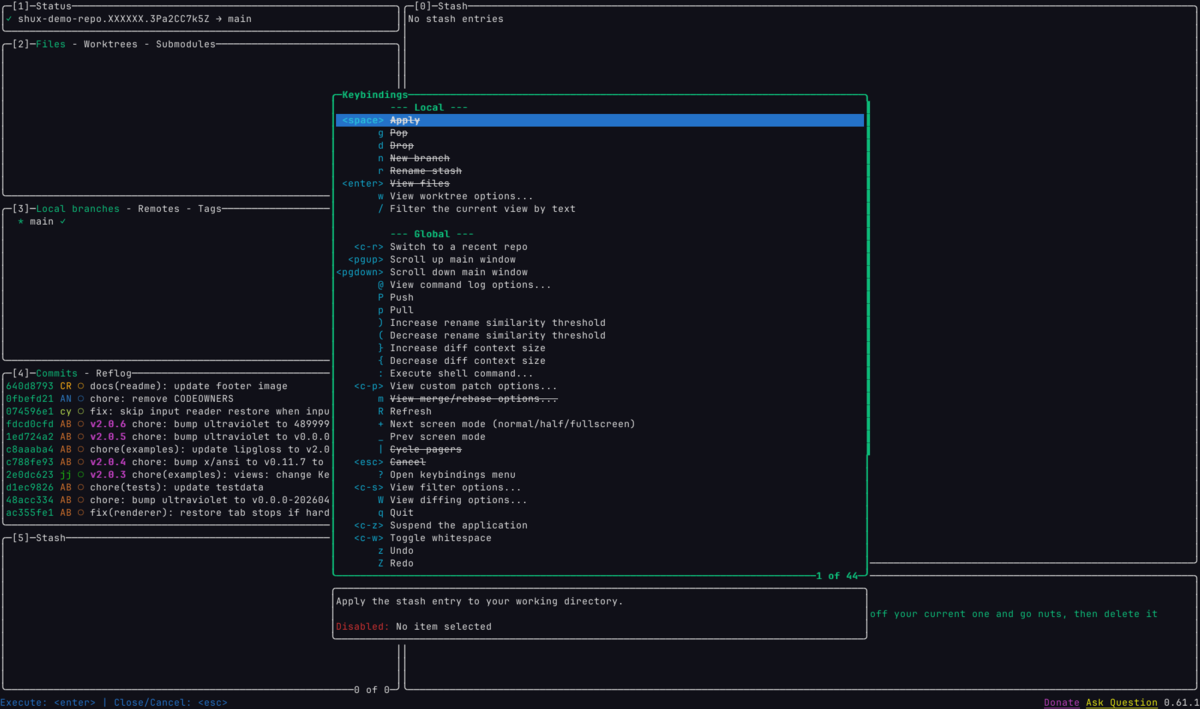
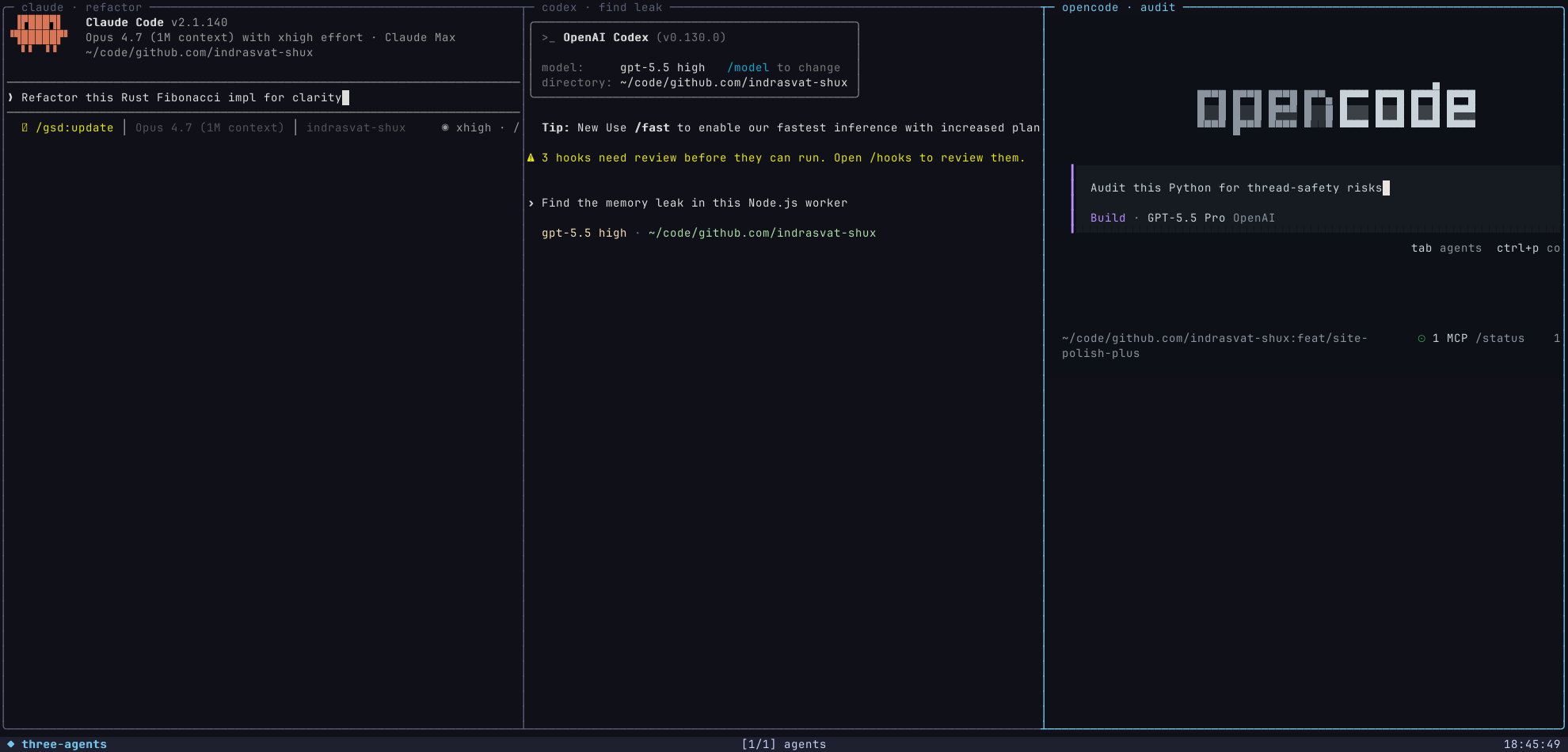

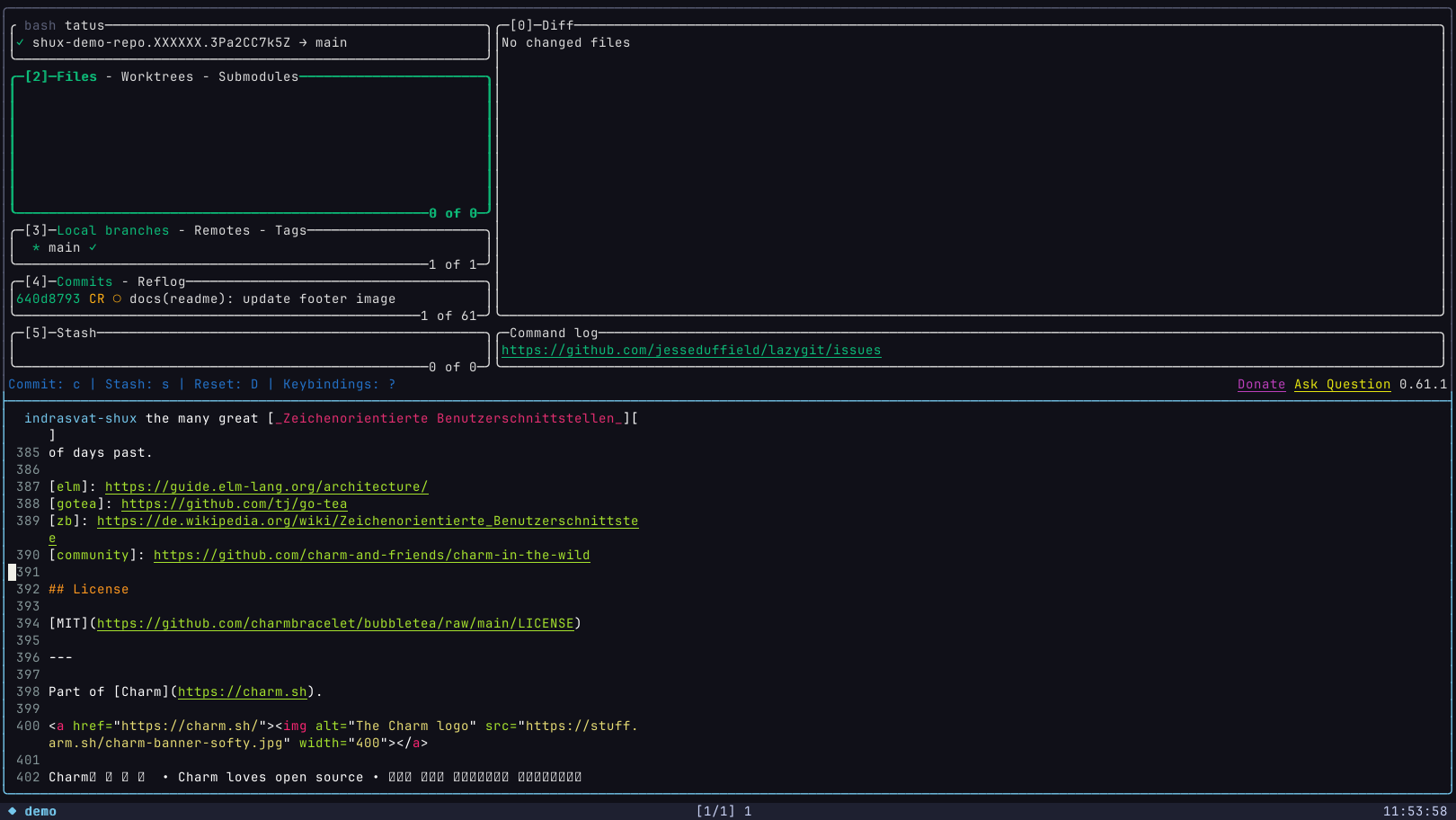
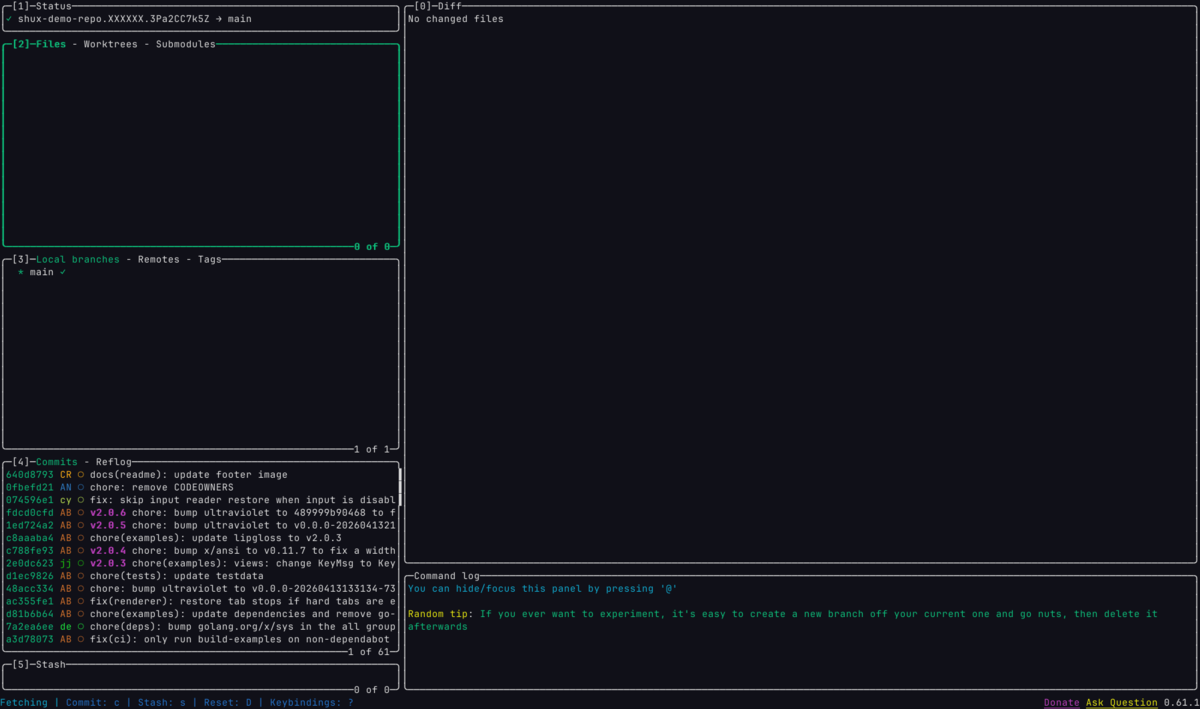
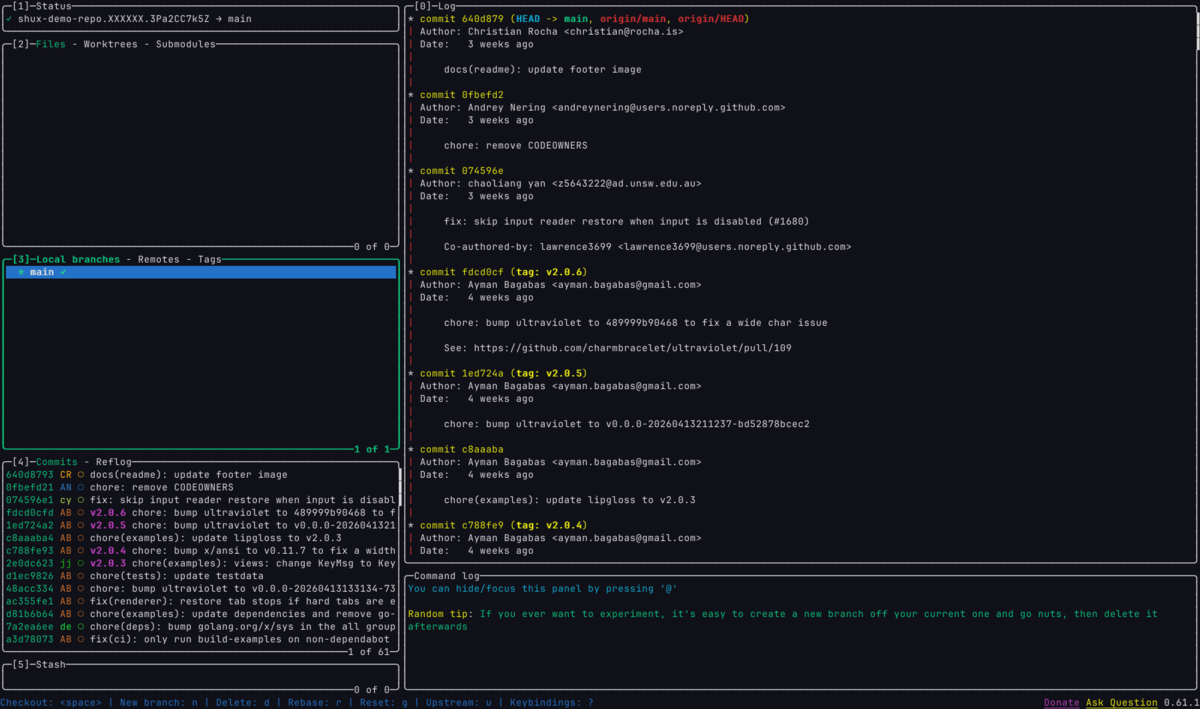
lazygit showing a diff in the Bubbletea repo — green additions, red removals, commit message in the panel header lazygit branches view with the full commit history panel on the right lazygit global help overlay listing every keybinding htop CPU + memory bars: 10 cores with rainbow utilization bars, memory at 23.16/32G, uptime 20:01:55
pane.snapshot → lazygit · diff view

why this exists

tmux ends at the byte stream.
shux owns the whole pipeline.

tmux is great. It's also from before agents existed. Its job ends where the terminal emulator's job begins — and a human at a keyboard is always assumed. shux assumes nothing of the sort.

tmux

  • ·Plain-text control commands over a UDS socket.
  • ·Output is bytes; the emulator paints them.
  • ·Snapshots require a human-attached emulator + a screen capture tool.
  • ·State mutations are sequential and best-effort.
  • ·No structured event log; output is fire-and-forget.
— vs —

shux

  • Length-prefixed JSON-RPC over UDS + TCP. Every shux subcommand is a thin RPC call.
  • Owns the byte-to-pixel pipeline. Returns PNG bytes via pane.snapshot.
  • Answers modern xterm-256color probes so rich TUIs start fast and render correctly.
  • Headless visual regression with no GUI, no display server, no emulator SDK.
  • Atomic state.apply batches. Optimistic concurrency on every entity.
  • Sealed, sequenced event bus with a separate data plane for PTY chunks.

human-first where it counts

Copying text should feel like a terminal, not a ceremony.

shux keeps the tmux-style copy mode for scrollback and search, but the everyday path is direct: drag visible text, release, paste. Right-click the selection when you want an explicit action.

Drag text

Select pane output without entering a modal copy screen.

Release to copy

OSC 52 writes the selected text to the clipboard.

Right-click

Use the inline Copy / Clear menu when you want confirmation.

shux session attach review
$ cargo test --workspace
running 835 tests across 15 binaries
test copy_mode::mouse_selection selects text and copies on release ... ok
test attach::idle_repaint_volume ... ok
$ paste
selects text and copies on release

agent-first, by construction

Everything an agent needs to drive a TUI is one RPC call away.

Spawn a session. Resize. Send keystrokes. Get a PNG back. Tear down. The same primitives a human uses are the same primitives an agent uses — no SDK, no screen-reading, no AppleScript bridge.

# 1 — declarative session spec (TOML).
# Same spec a human shux state apply's — same one an agent ships.

[session]
name = "review"

[[windows]]
title = "git"
[[windows.panes]]
command = ["lazygit"]

$ shux state apply review.toml
# → session created atomically. Pluck the first pane id:
$ PID=$(shux --format json session list \
        | jq -r '.sessions[0].pane_id')

$ shux pane set-size  -s review --cols 200 --rows 60
# → synchronous resize (VT + PTY).

$ shux pane send-keys -s review --text 'j'
# → navigate down one row.

$ shux --format json pane snapshot -s review \
    | jq -r .png_base64 \
    | base64 -d > out.png
# → 1800×1140 PNG of the current pane. No iTerm2 needed.

# Or drop to raw RPC for any registered method — no shell-escaping bait.
$ shux rpc call pane.send_keys --params @keys.json
$ echo '{"pane_id":"'$PID'","text":"j"}' | shux rpc call pane.send_keys --params -

The full surface

The RPC surface covers session/window/pane lifecycle, synchronous resize, scripted input, sampled PTY watching, lossless PTY recording, and pixel snapshots. Each maps 1:1 to a CLI subcommand.

  • session.*create / list / rename / kill / ensure
  • window.*create / list / focus / kill / ensure
  • pane.send_keystext or base64 control bytes
  • pane.set_sizesynchronous, ack via oneshot
  • pane.snapshotPNG, off-lock, budget-checked
  • pane.output.watchsampled sealed data-plane stream
  • pane.record.*lossless raw PTY transcript
  • state.applyatomic batch of typed Ops
  • events.historysequenced, gap-detectable

All methods accept JSON in, return JSON out, on stdin/stdout.

replaces these

If you'd reach for one of these, reach for shux.

shux collapses orchestration, scripted input, output capture, and pixel screenshots into one RPC surface. Same primitive, no extra tools.

If you'd reach for For this job The shux call
tmux · screen · byobu Multiplex sessions / windows / panes shux state apply spec.toml · shux session attach
iTerm2 (Python SDK / AppleScript) Drive a terminal app from outside pane.send_keys + pane.snapshot
expect · pexpect · sexpect Scripted CLI / REPL interaction pane.send_keyspane.wait_forpane.capture
iTerm2 wait_for_text / wait_for_absent Block until screen contains (or stops containing) a needle pane.wait_for — text · regex · --absent
asciinema rec · script(1) Record a terminal session shux pane record --to FILE lossless PTY bytes
vhs · agg · terminalizer Generate TUI demo GIFs / WebPs window.snapshot loop → ffmpeg
termshot · freezeframe Still PNG of a terminal frame pane.snapshot or window.snapshot
iTerm2 broadcast input Send keystrokes to many panes at once pane.send_keys fan-out across pane IDs
ttyrec · termsh Replay a recorded session Feed captured bytes back into a pane — workflow
GNU parallel --tmux mode Run N tasks in N panes, watch in one place shux apply a multi-pane template — workflow
Custom Bubbletea / ratatui test harness Visual regression for your TUI window.snapshot + golden-image diff

side by side

tmux is great. shux is different.

Both spawn PTYs and arrange them on screen. The contract beneath that is the part that diverges.

tmux v3.x · 18 years

  • Ubiquitous. Pre-installed on most servers.
  • Huge plugin ecosystem (tpm, oh-my-tmux, dozens of statuslines).
  • Mature key-binding model your fingers already know.
  • Battle-tested under decades of weird PTY behaviour.
  • Plain-text control protocol over a UDS socket.

If you're a human at a keyboard and tmux works, keep using tmux.

shux v0.8 · Rust

  • Length-prefixed JSON-RPC over UDS + TCP. Every CLI verb is a typed call.
  • Declarative workspace templates that apply atomically.
  • Optimistic concurrency on every entity — stale writes get rejected with a typed conflict error.
  • Sealed event bus, sequenced, gap-detectable. Separate data plane for PTY chunks.
  • Built-in rasterizer — one RPC returns PNG bytes of any live pane.
  • xterm-256color compatibility for DA/DSR, DECRQM, XTGETTCAP, OSC palette queries, and synchronized output.
  • Synchronous resize: the next snapshot sees the new dims, guaranteed.

If you're shipping agents, building TUIs, or want headless visual regression, this is for you.

in the wild

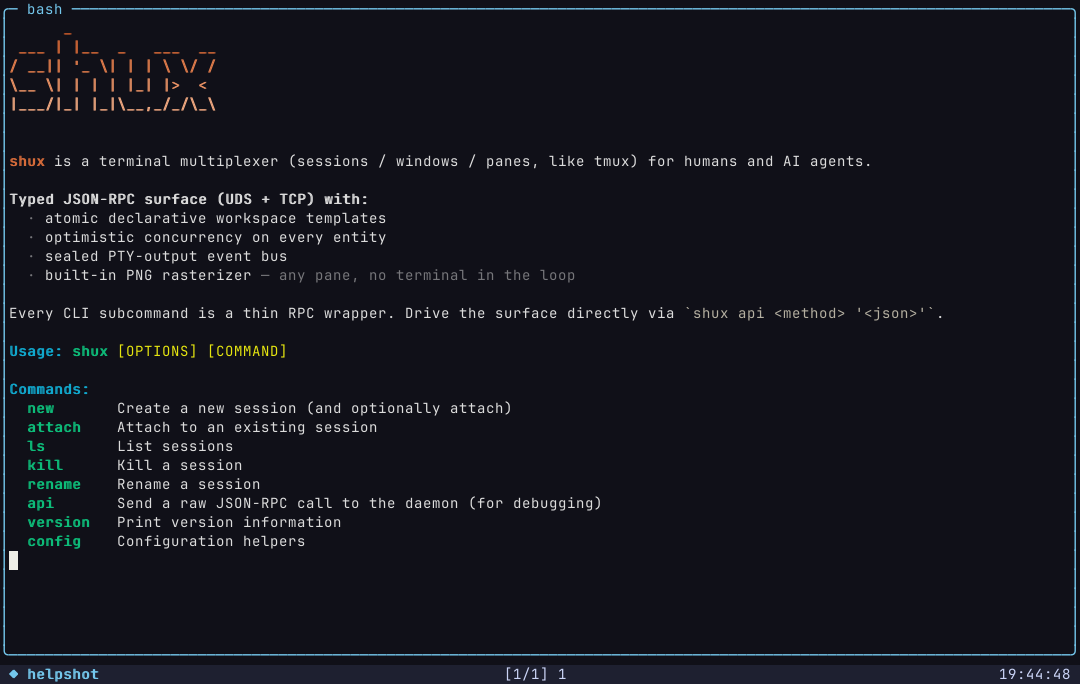
Nine tabs. Real pane.snapshot outputs, no mockups.

No mockups. No "rendered in After Effects". Pick a tab to see what shux's rasterizer produces when an agent drives a real TUI.

three calls from zero

Quickstart

Install the binary. Spawn a session. Snapshot it. That's the loop.

01

Install

One pre-built binary per platform. No daemons to register, no plugins to vendor. The daemon auto-starts on first use.

# macOS / Linux, arm64 or amd64
curl -sSf https://shux.pages.dev/install.sh | sh
02

Spawn a session

One verb creates an atomic session + initial window + pane, with the command of your choice running in it.

shux --format json session create demo -d -- htop \
  | jq -r .pane_id  # save PID for next step
03

Snapshot

One verb returns a base64-encoded PNG of the live pane. Decode and pipe it anywhere — a CI golden, a vision LLM, a webhook.

shux --format json pane snapshot -s demo \
  | jq -r .png_base64 \
  | base64 -d > frame.png
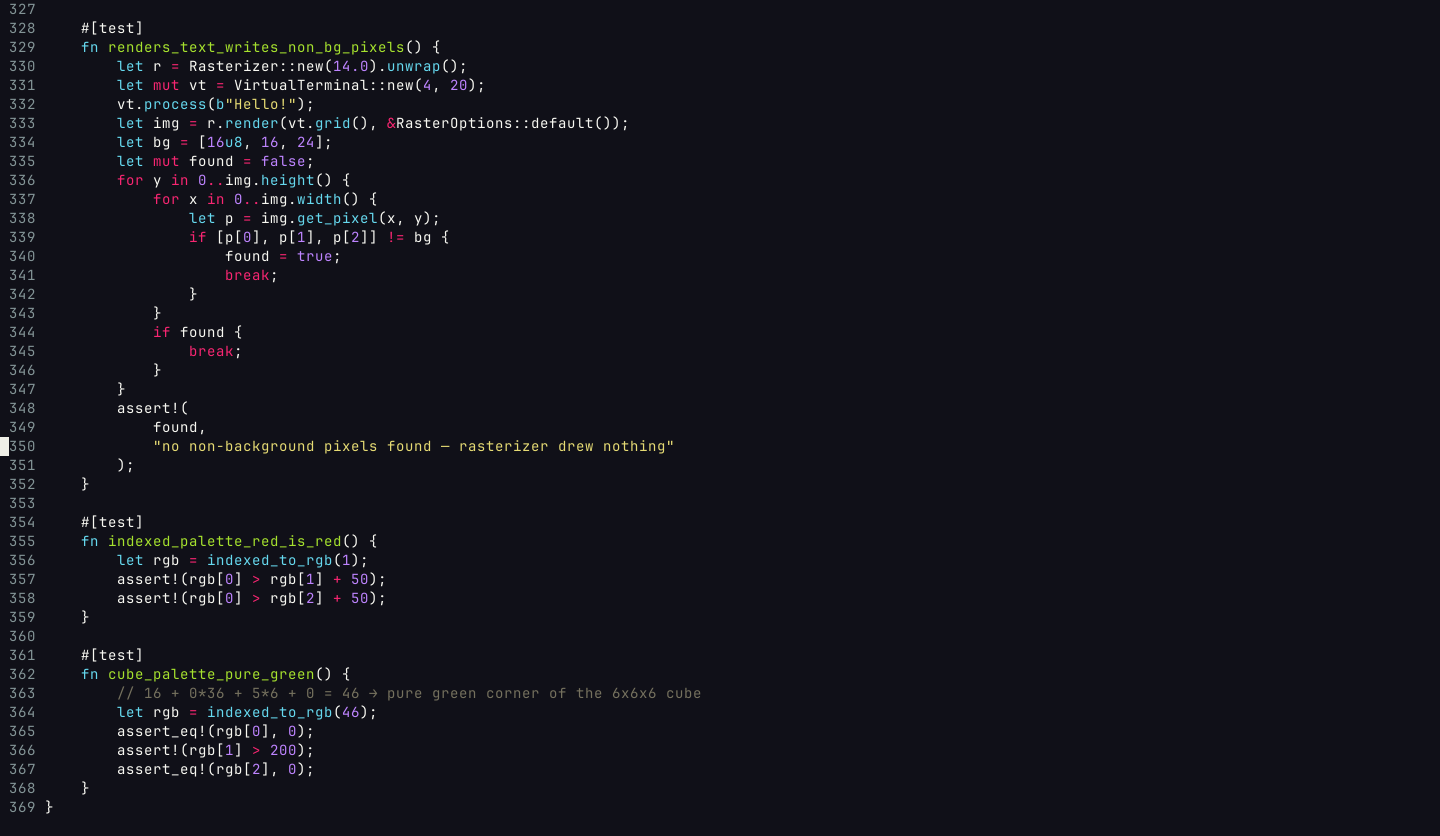
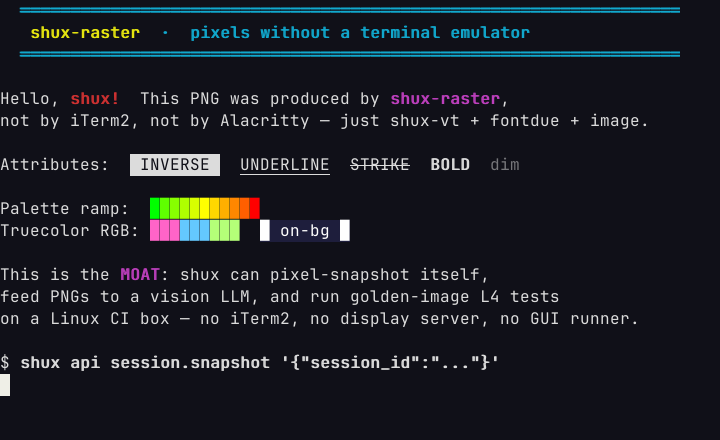
example frame.png produced by pane.snapshot — shux-raster's attribute showcase
frame.png — what came back. Real output, no mockup.

for agents

A Claude skill, ready to drop in.

One command installs the shux skill globally. The model then knows when to reach for shux instead of tmux, which RPC to call, and where the references live for deep dives.

$ npx skills add indrasvat/shux --global --yes
# shux skill — top-of-file (≤30 lines)

name: shux
description: Drive terminal multiplexer sessions from an
  agent — multiplex, send keystrokes, snapshot pixel-perfect
  PNGs of any pane. Replaces tmux / screen / iTerm2 /
  expect/asciinema for agent-driven workflows.

Layout: shux init scaffolds .shux/
  (templates/, scripts/, goldens/, gitignored out/).

Quickstart: three verbs cover 80% of cases —
  1. shux state apply .shux/templates/spec.toml
  2. shux pane send-keys -s NAME --text '...'
  3. shux pane snapshot -s NAME -o .shux/out/frame.png

extend, don't fork

Agent-authored plugins. Any language. ~30 lines.

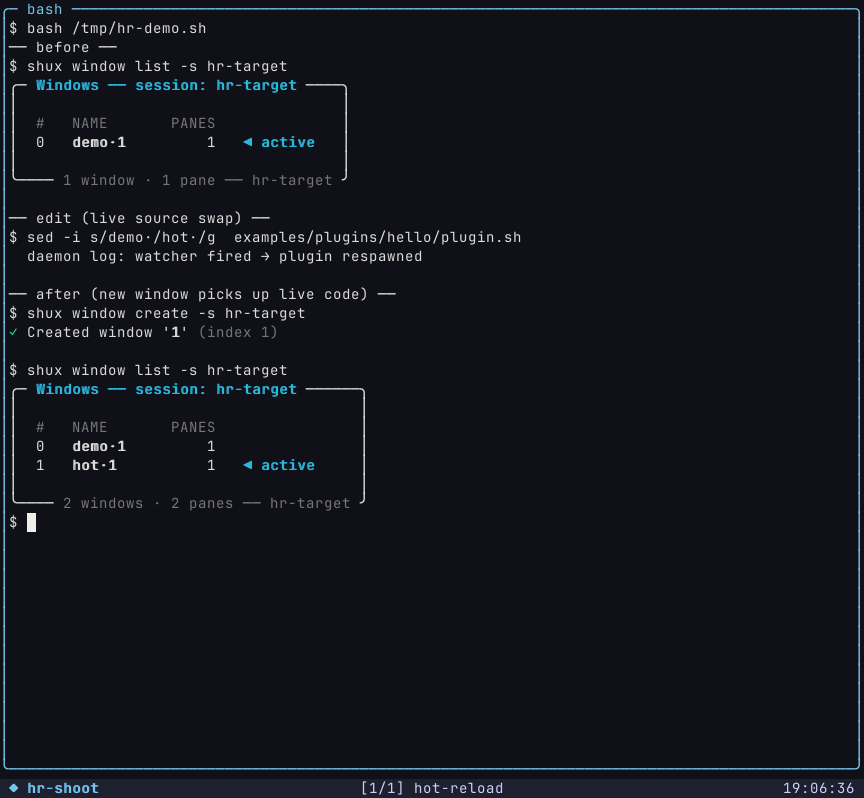
A plugin is any executable that speaks shux's line-delimited JSON-RPC dialect on stdin/stdout. It subscribes to bus events, calls the same RPC methods you use from outside (window.rename, pane.send_keys, state.apply), publishes its own events via event.publish (namespaced plugin.<id>.<type>), and persists state across hot reload via plugin.state.get/set. Bash, python, node, anything.

# Install, list, kill — the whole CLI surface for v0.
$ shux plugin install ./my-plugin.sh
# → spawned, handshook (5s budget), registered under manifest name

$ shux plugin list
# name · version · pid · subscribes · status · uptime

$ shux plugin kill hello
# → plugin.shutdown sent, 2s graceful window, SIGKILL fallback

The protocol, in six lines

  • handshakeone line in, one manifest line out (≤5 s)
  • events inone JSON line per matching bus event on stdin
  • rpc outwrite any registered method to stdout, response comes back on stdin
  • events outevent.publish emits plugin.<id>.<type> events for other plugins
  • stateplugin.state.get/set — survives hot reload, 256 KiB cap, per-plugin
  • shutdownplugin.shutdown frame, 2 s grace, then SIGKILL

trust model v0.19 ships a default-deny permission model on every plugin RPC frame: per-method sensitivity tiers, ownership-based auto-grant for entities the plugin created, shux plugin grant <name> <method> for the rest, NDJSON audit log per plugin. Identity is a per-install UUID — reinstalling with the same name does NOT inherit the predecessor's grants. Sandboxing of the plugin's own filesystem / network access (the WASM milestone) is still queued for later.